Describe a sound. Vibe builds it.
An AI-powered desktop synthesizer. Type in a description of the sound you want — Vibe sets all 51 parameters in the synth, which you retain full control over. It's creativity with a superpower, not a black box that replaces you.
Type in “growly dubstep bass.” Watch Vibe build it. Then tweak the knobs manually to refine it, or ask Vibe to adjust the sound again.
Vibe's AI builds a real patch, all 51 parameters, using the world's knowledge of sound design. Don't like something? Just say what to change: “make it brighter,” “more echo,” “I actually wanted a reese.” Describe, tweak, describe — and keep going until it's exactly what you want. Vibe can help you move the knobs, but everything is fully under your control.
Doing game, film or ambient work too? “slow riser,” “eerie atmosphere,” “retro arcade lead” are all things you can build with Vibe.
Use Vibe right inside your DAW.
With Vibe's plugin, you can build full songs with the sounds you make in Vibe. This is a demo loop where every sound was made in Vibe inside FL Studio. Click any track below to see the instance of Vibe working inside the DAW for that sound. Buy the Plugin version to run Vibe in your DAW.
Vibe instance for the featured track, running in FL Studio.
The AI can teach you, show you, and work with you — but you control everything.
It's your instrument, not the machine's. Lock the parts you love so the AI leaves them alone — then keep describing changes for everything else.
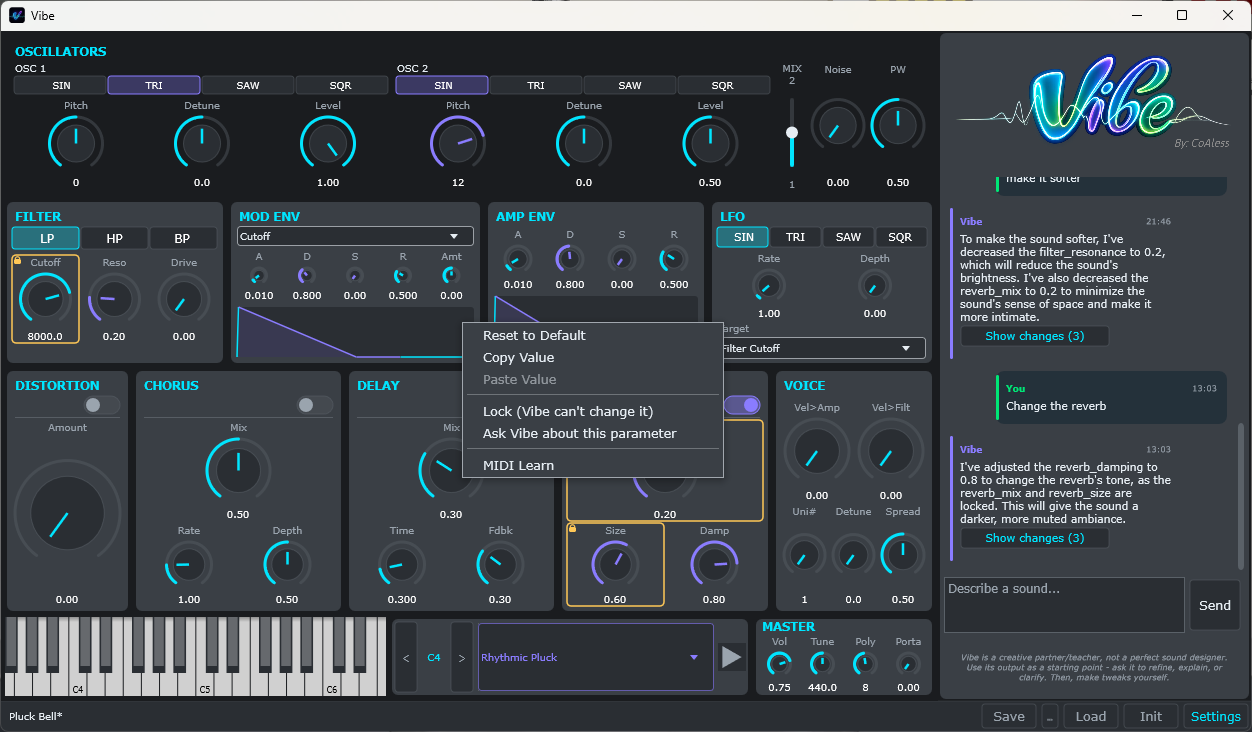
Lock what you love, reject what you don't, and keep tweaking.
The color of each knob tells you who set it — you, the AI, or the default.
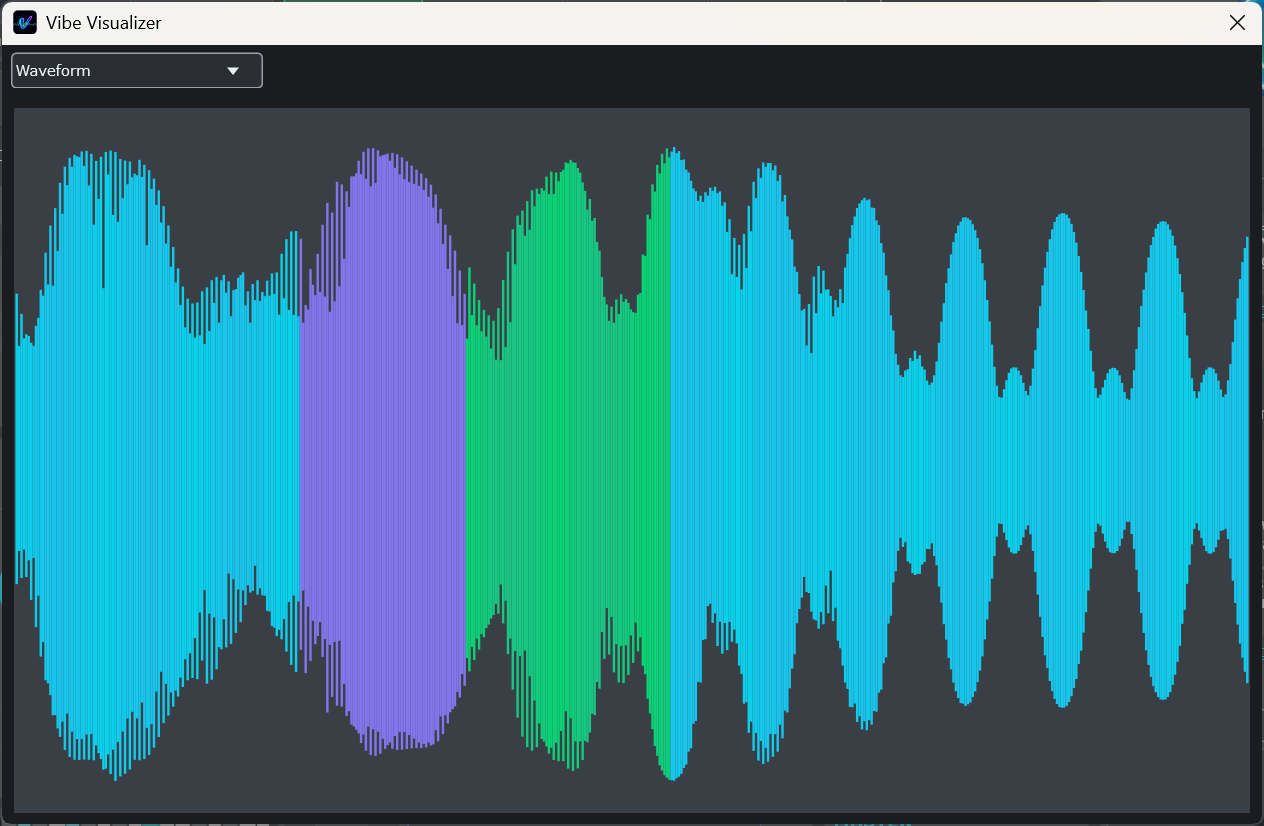
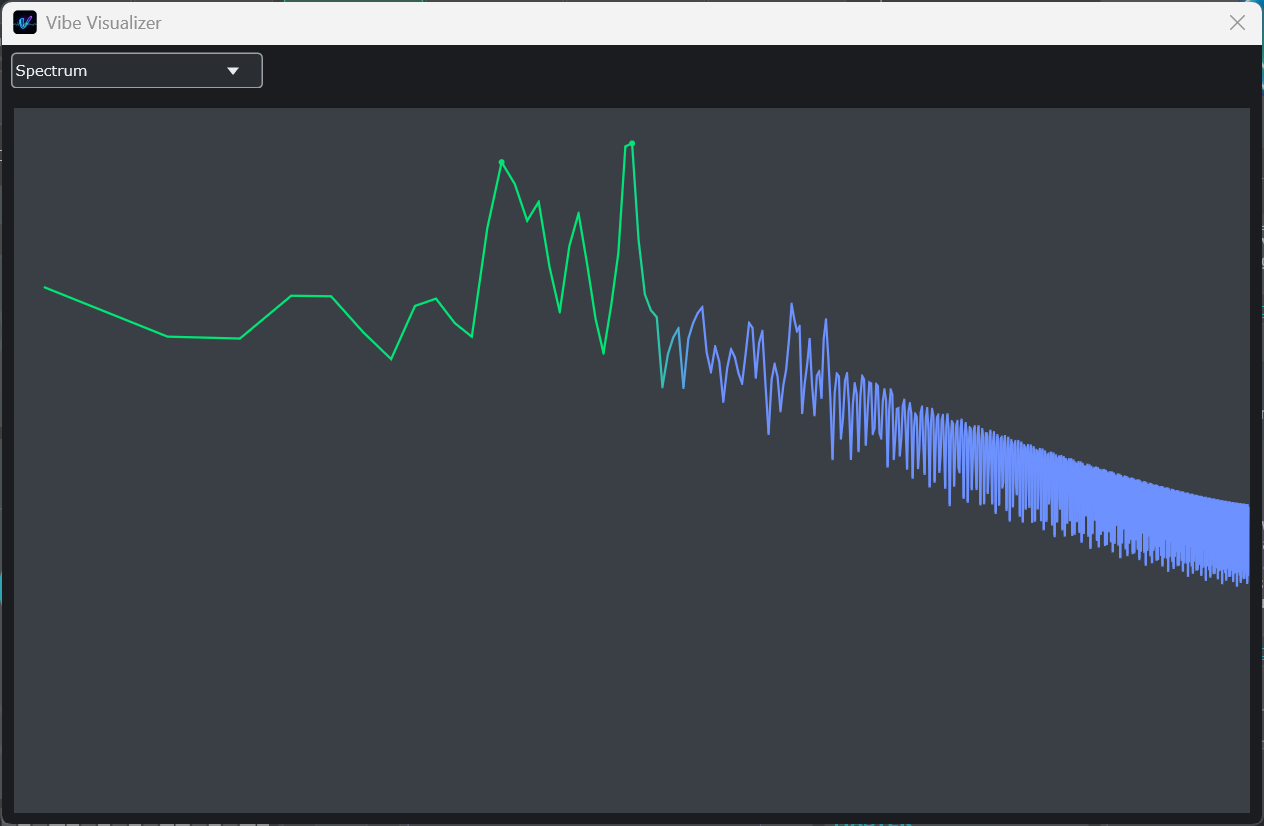
Everything in Vibe — the knobs and sliders, the keyboard, the chat window, even the visualizer — is colored by who controls it: cyan for the system (default settings), violet for the AI, green for you. To see it in action, modify the parameters below and watch the attribution system work live.
Try it: press ▶, then turn LFO Rate — the wobble speeds up and its glow pulses at that rate, in the knob's color. Drag any knob and it turns green: that parameter is yours now.
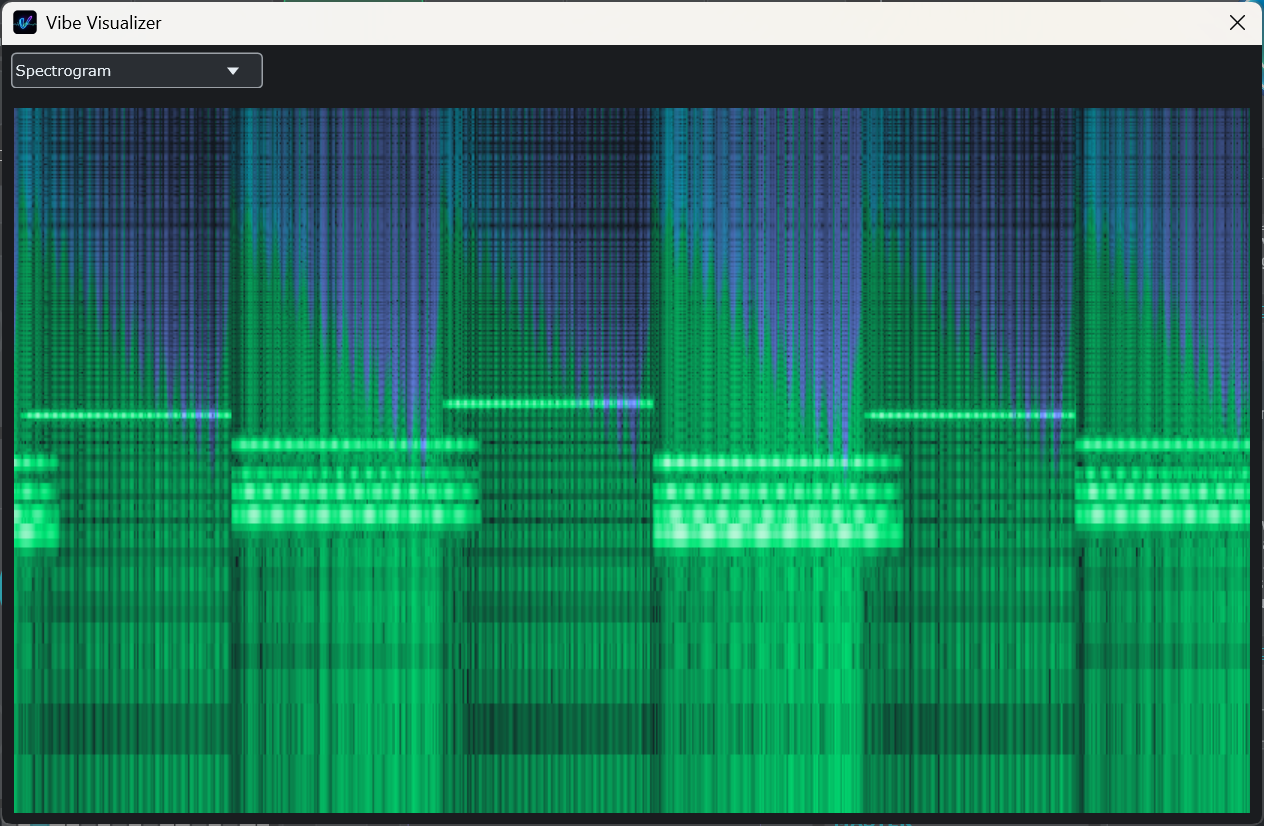
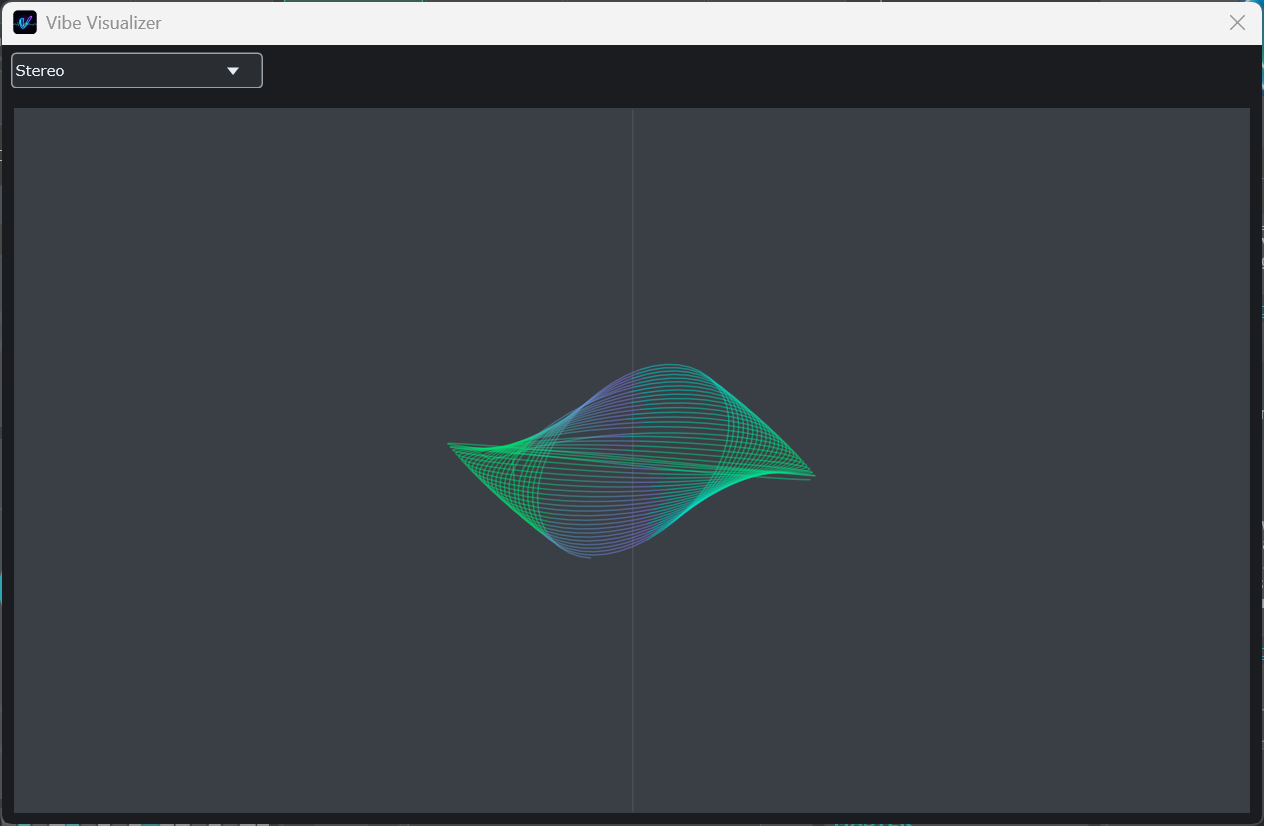
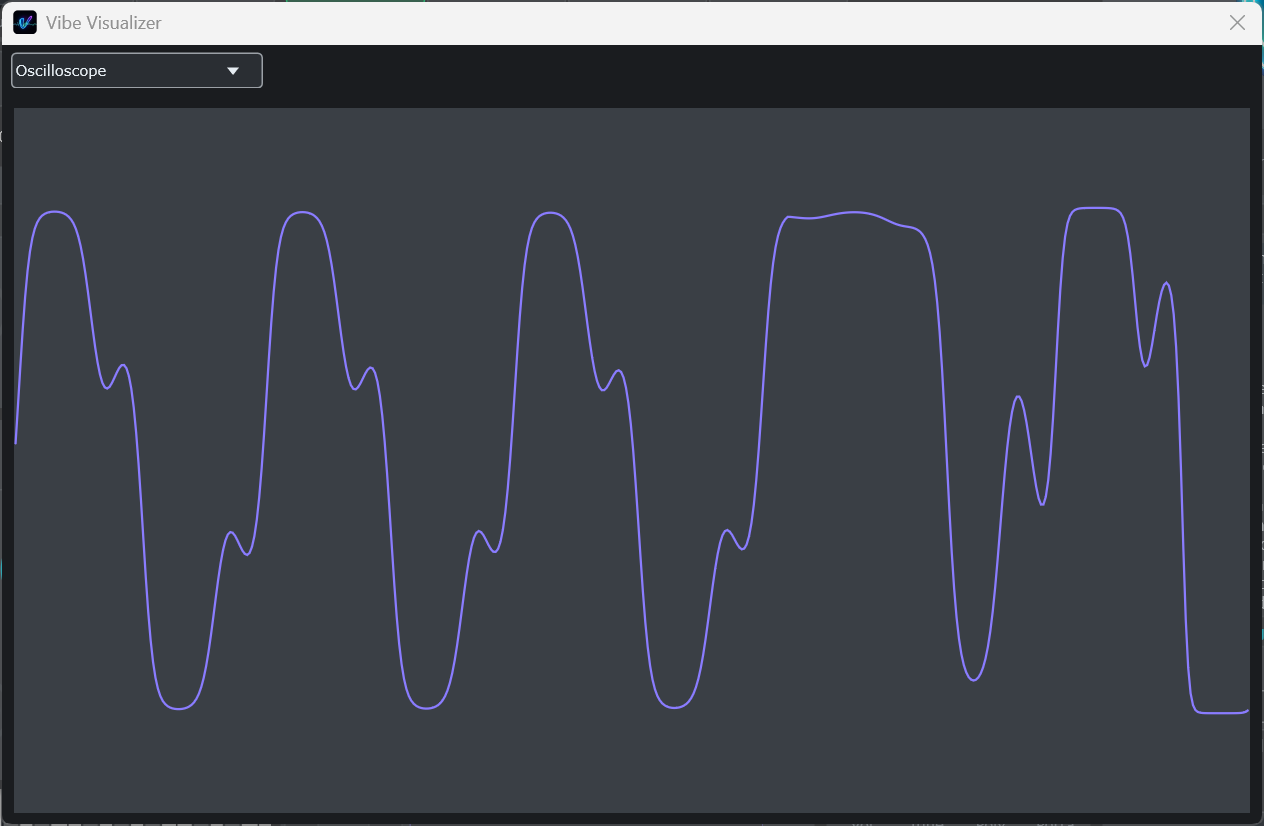
Visualizers in Vibe.
Five live visualizers, all sharing the same color attribution system — so you can see, in the actual sound, which parts came from you, the AI, or the default settings. It helps you learn exactly which parameters shape the sound.
Any sound, one prompt away.
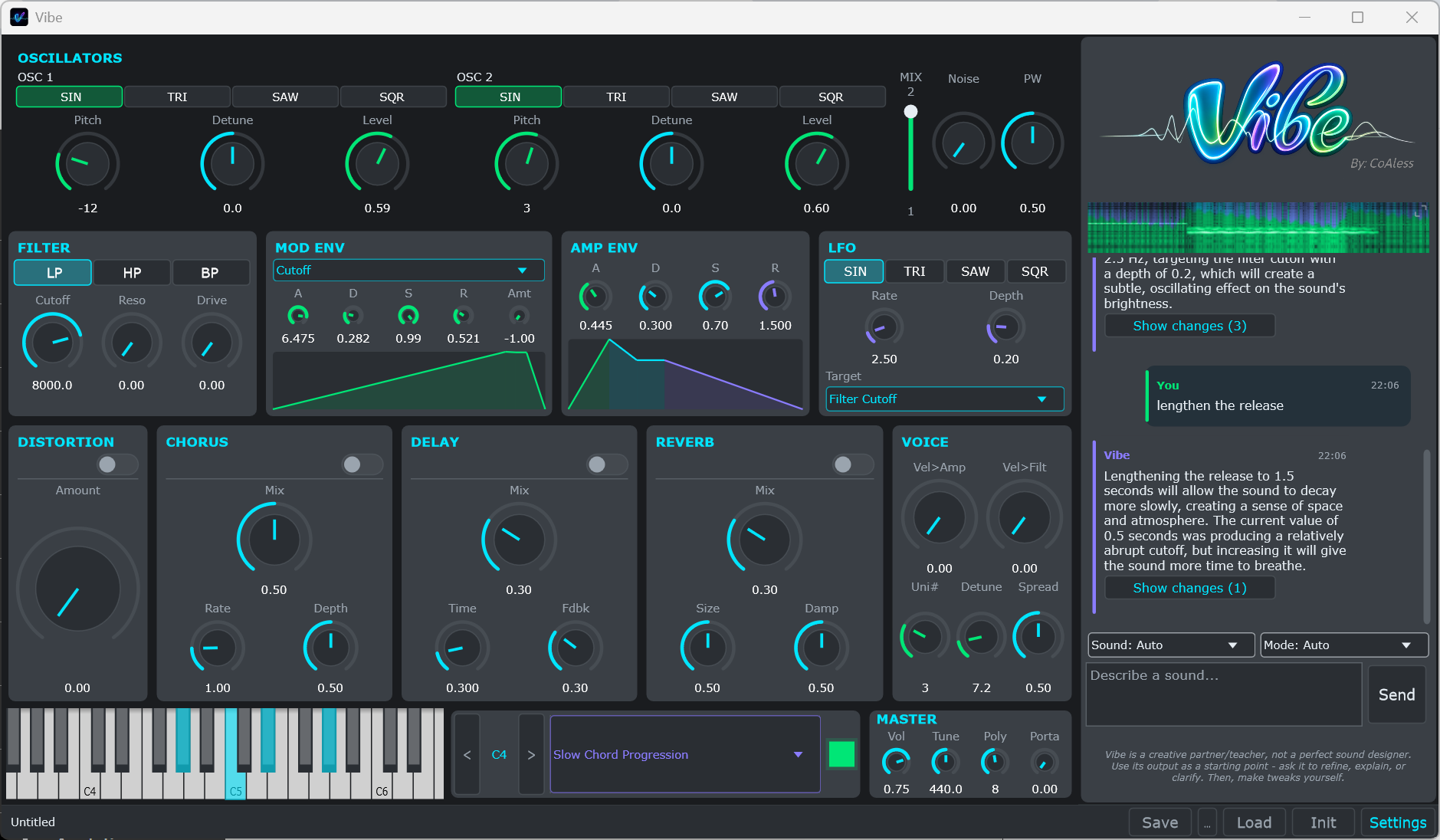
Unlike many other AI music tools, Vibe is a full subtractive synth: oscillators, filter, envelopes, a full effects chain, all 51 parameters, and five live visualizers. The AI doesn't generate the sound — it sets the parameters that generate the sound. That gets you to a great starting point fast, but you don't have to rely on the AI to get everything right — you can change anything you want by hand.
Pay once. No subscription.
Run Vibe's AI for free using Groq, keep it fully offline with local Ollama, or bring your own paid API key.
The complete standalone synth, no card required. See if Vibe fits how you work.
Start free trialThe full standalone desktop app for macOS and Windows. Free updates.
Buy StandaloneWhy I built Vibe.
As an amateur music producer who has dabbled in sound design off and on for the last 10 years, I always wanted to really learn it — but it takes a lot of time and practice to understand. I built Vibe for people like me, who want to make their own sounds and learn sound design, but need a faster path forward.
I've played around with the AI music tools out there, and while the sounds they generate can be remarkable and useful, I kept wanting more manual control over the sound-design decisions. Vibe does exactly that. Since building it, for the first time in 10 years I've made a lot of sounds I really like and actually use in songs — without endless hours of YouTube tutorials. And because Vibe shows you and tells you how to adjust the sound, I finally understand how each parameter shapes it. I couldn't get that insight from any of the black-box AI tools flooding the market. I hope you find Vibe as useful as I have.
Frequently asked questions.
Do I need an API key?
Yes — you can use any free or paid API key. Don't know how to get one? Don't worry: Vibe walks you through getting a free one on your first launch. It takes a few minutes and it's very simple: no credit card, no cost. After that, generating sounds is free.
Do I need to be online?
To use the free Groq cloud AI, yes — only the AI needs a connection; the synth itself never does. Prefer to stay offline? Run a local Ollama model and Vibe generates with no internet at all. Local models need a higher-spec computer, so if you install Ollama, Vibe can run a quick test (in the app settings) to see whether it will work well on your machine.
Does it work in my DAW?
Yes — with the Plugin version. The free trial includes the standalone app only; the Plugin version adds VST3 and AU on top of the standalone, so you can run Vibe in FL Studio, Ableton, Logic, Reaper, Studio One, Bitwig and more.
How do the trial and license work?
The trial gives you the full standalone app free for 7 usage days — counted by days you actually open the app, not calendar days. So you can use one day today, close it, open it a month later, and still have 6 days left; the trial only ends after 7 individual days of use. Purchasing a license unlocks the full app forever — there is no subscription. You can also extend the trial by posting to social media (the app explains how when you run out of usage days).
I'm on a Mac — anything to know on first launch?
Vibe is signed but not yet notarized, so the first time you open it macOS blocks it. Go to System Settings ▸ Privacy & Security, scroll down, and click “Open Anyway” — you only do this once.
What about refunds?
Refunds follow Gumroad's standard policy — see Gumroad's refund policy here. (The free 7-day trial is there so you can be sure before you buy.)